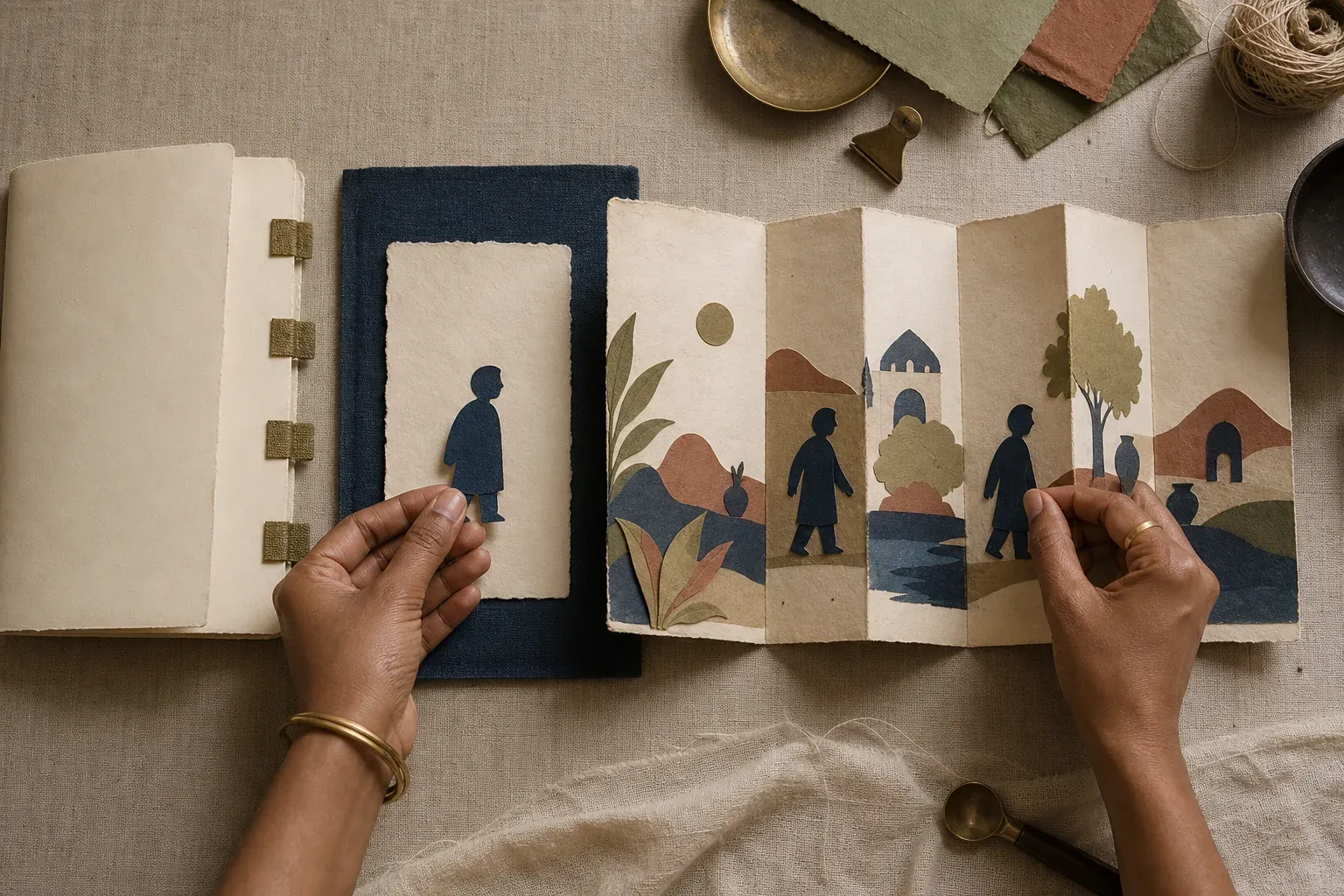
How personalised storybooks work at Yoopbook
- Written by
- Yoopbook Editorial Team
- Last reviewed
- 24 July 2026
- Reviewed for
- Authored-story, cast and personalisation requirements
The short answer
A Yoopbook begins with a complete authored story. You choose the story and its declared cast, then provide one separate, clear photograph for each required person. Those identities are illustrated into the story’s existing scenes; the upload does not rewrite the plot, choose the pose or copy the person’s clothes into every page.
Keep these four things in mind
- The story and required roles are chosen before photographs are added.
- One separate source photograph is required for each declared person.
- Identity can change; plot, action, pose, costume and setting remain authored.
- The product page and checkout are the authority for current availability and order options.
01
It starts with a story, not a prompt
Yoopbook is story-first. Each edition begins with an authored manuscript, a defined sequence of scenes and a declared cast. A customer chooses between those complete stories rather than asking a generator to invent a new plot at checkout.
That distinction makes the buying decision easier to inspect. Before providing a photograph, you should be able to understand the premise, who appears in the story, how many people need photographs and which language or format is actually offered.
02
What changes—and what stays authored
The source photograph is an identity reference. It can inform recognisable facial structure, skin tone, hair, age, build and distinguishing physical traits. The story template remains responsible for what the character is doing and where the moment takes place.
The uploaded photograph’s room, lighting, pose, expression and outfit are not automatically copied into the book. If a scene calls for a lantern, a raincoat or a look of concentration, those choices belong to the authored scene.
- Personalised: the identity assigned to each declared cast role.
- Authored: plot, action, pose, gaze, expression intent, costume, composition and setting.
- Not customer controls: arbitrary character additions, prompt-written scenes or role swapping.
03
The five decisions in the customer journey
First, choose a story whose premise and reading moment feel right. Second, check its declared cast and required number of separate photographs. Third, prepare one suitable source photograph for each role. Fourth, select only the product options that are genuinely shown for that edition. Finally, review the order details before payment.
Current availability, price and delivery choices can change. The live product page and checkout—not an evergreen guide—should be treated as the authority for those facts.
- Choose an authored story.
- Confirm its required cast.
- Provide one clear, separate photograph per person.
- Check the edition and order options shown.
- Review the cast-to-photo mapping before placing the order.
04
Why cast is part of the product
A solo-child story and a parent-and-child story are not the same book with a character toggle. Their scenes, relationships and actions are written differently. That is why each story declares the people it needs instead of offering an unrestricted cast builder.
For a multi-person edition, each person keeps a stable role across the book. Separate photographs reduce ambiguity: Mum’s reference belongs to Mum’s role, the child’s reference belongs to the child’s role, and neither identity should borrow traits from the other.
05
What to verify before ordering
A trustworthy product page should state the title and premise, required cast, separate-photo count, supported story language, physical format, current price and availability. It should distinguish representative story art from a proof made from a buyer’s own upload.
If any fact that matters to your decision is missing—especially photograph handling, production status or delivery—ask Yoopbook before sharing a photograph or placing an order. A guide should clarify the process, never manufacture certainty.
Your next step
Browse the storybook shelf
Compare the stories and check the cast, photographs and options shown for each edition.
Browse the storybook shelf